
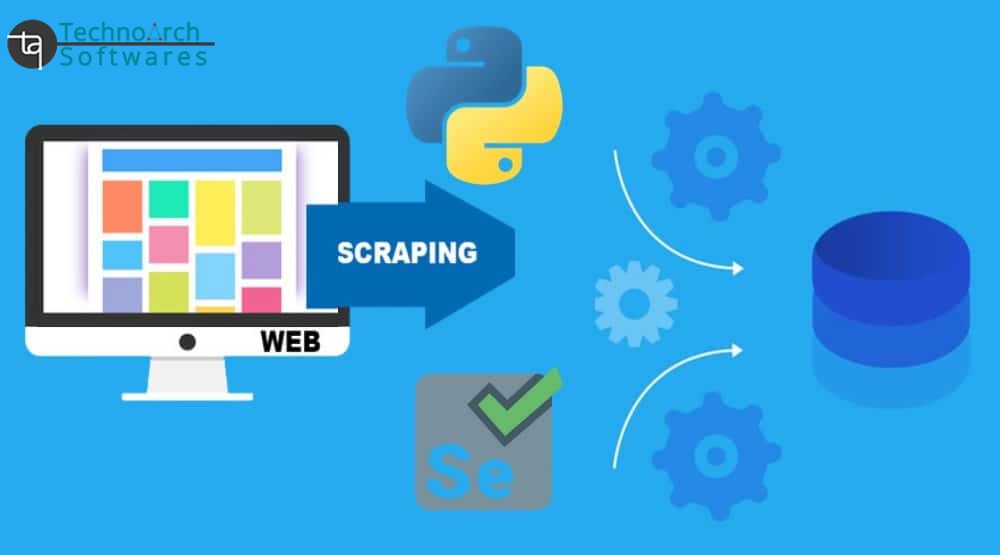
Building a Web Scraper with Python Using Selenium
Web scraping allows you to collect data from websites by mimicking human interactions with a web page. While tools like BeautifulSoup and Requests work well for static websites, Selenium comes into play when you need to interact with dynamic content generated by JavaScript.
In this blog, we'll walk through how to build a web scraper using Selenium, a powerful Python tool for automating web browsers. This is especially useful when dealing with websites where content is loaded dynamically using JavaScript.
What is Selenium?
Selenium is a popular browser automation tool. It is typically used for automated testing but can also be used for scraping dynamic websites. It allows you to control a web browser programmatically, navigate through pages, click on buttons, fill out forms, and retrieve dynamic content.
Unlike BeautifulSoup and Requests, which work on the raw HTML of a page, Selenium interacts with the live DOM (Document Object Model), simulating the behavior of an actual user.
Tools for Web Scraping in Python
To build a web scraper, you’ll need the following Python libraries:
-
Selenium: A tool for automating web browsers.
-
WebDriver : A browser driver to interact with the browser (e.g., ChromeDriver, GeckoDriver).
-
pandas: For storing and organizing the scraped data (optional but useful).
You can install these libraries using pip:

You also need to download a browser driver:
-
For Chrome, download ChromeDriver from: https://sites.google.com/a/chromium.org/chromedriver/
-
For Firefox, download GeckoDriver from: https://github.com/mozilla/geckodriver/releases
Step-by-Step Guide to Building a Web Scraper using Selenium:
1. Setup Selenium and WebDriver
Start by importing the necessary libraries and setting up the WebDriver.

2. Wait for Content to Load
Many websites load content dynamically (e.g., via JavaScript). Selenium can handle this by using waits to ensure that elements are fully loaded before you scrape them.

This will wait for a maximum of 10 seconds for the elements with the class job-title to load.
3. Extract Data from the Page
Once the page is fully loaded, you can start extracting the data.

You can use other types of locators like By.ID, By.TAG_NAME, By.XPATH, etc., depending on the structure of the page.
4. Store the Data
To save the data in a structured format, you can use pandas to store the scraped content into a DataFrame and export it to a CSV file.

5. Close the Browser
Once you're done scraping, always close the browser to free up system resources.

Best Practices for Web Scraping with Selenium
-
Use Explicit Waits: Always use WebDriverWait and expected_conditions to ensure that elements are loaded before you attempt to interact with them.
-
Handle Errors: Implement try-except blocks to handle potential errors like elements not being found or timeouts.
-
Respect Robots.txt: Before scraping, check the website’s robots.txt file to ensure you're allowed to scrape the site.
-
Use Headers and User-Agent: Mimic a real browser by setting headers. This helps avoid getting blocked.
Conclusion
Selenium is a powerful tool for web scraping, especially when dealing with dynamic content. With its ability to interact with JavaScript and handle user interactions, it provides a flexible solution for scraping even the most complex websites.
By following this guide, you should now have a basic understanding of how to set up a web scraper using Selenium in Python.
0 Comments:
Leave a Comments