
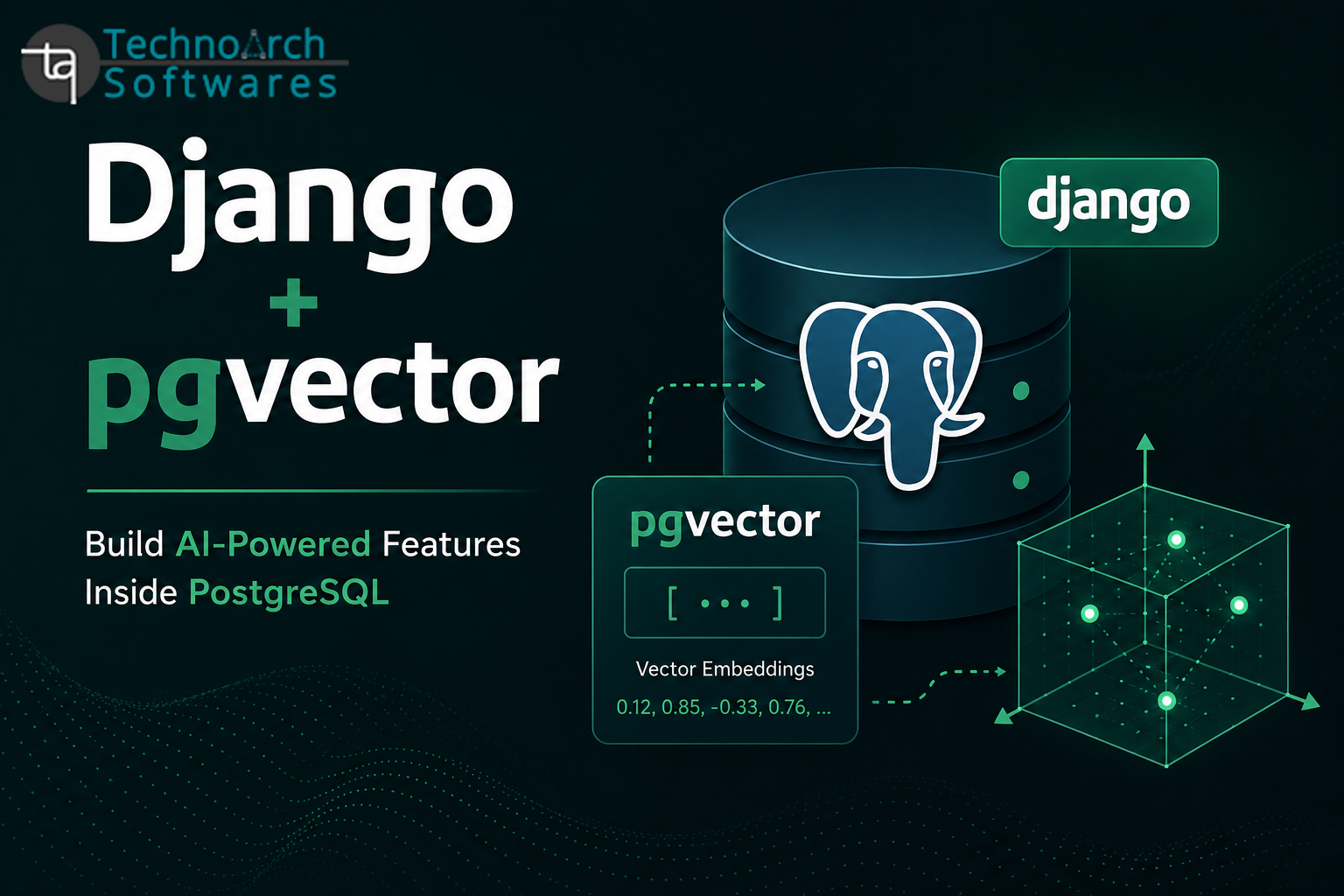
How to Use pgvector with Django for Semantic Search and RAG
Every Django developer building an AI feature eventually reaches the same crossroads. Whether you're implementing semantic search, recommendations, or a Retrieval-Augmented Generation (RAG) chatbot, you need a way to store and search vector embeddings. The common recommendation is to use a dedicated vector database like Pinecone, Weaviate, or Chroma. That means provisioning another service, learning another API, and keeping it synchronized with your application's data.
pgvector removes that complexity.
It's a PostgreSQL extension that adds a native vector data type and similarity search directly to Postgres the same database your Django application already uses. If your data already lives in Postgres, your embeddings can live there too.
Why This Matters for Django
Django's ORM, migrations, and admin are all built around PostgreSQL. Every AI-powered feature a document that gets embedded, a product that gets recommended, or a support ticket that becomes searchable is still fundamentally a Django model. With pgvector, that model doesn't need a second home.
You get:
-
One database to back up, monitor, and manage.
-
Embeddings stored alongside your application data, so they stay in sync.
-
Full support for Django's ORM, migrations, transactions, and admin because everything still lives in Postgres.
For teams already running Django in production, this often means shipping AI features much faster without introducing new infrastructure.
Setting It Up
Enable the pgvector extension in PostgreSQL:
CREATE EXTENSION IF NOT EXISTS vector;
Install the Python package:
pip install pgvector
Add a vector field to your Django model:
from django.db import models
from pgvector.django import VectorField

class Document(models.Model):
    title = models.CharField(max_length=255)
    content = models.TextField()
    embedding = VectorField(dimensions=384)  # Match your embedding model
The dimensions value must match your embedding model's output size (for example, 384 for all-MiniLM-L6-v2 or 1536 for OpenAI's text-embedding-3-small).
Run migrations as usual:
python manage.py makemigrations
python manage.py migrate
Generating and Storing Embeddings
Embeddings are usually generated whenever content is created or updated.
from sentence_transformers import SentenceTransformer

model = SentenceTransformer("all-MiniLM-L6-v2")

def save_document_with_embedding(title, content):
    embedding = model.encode(content).tolist()

    return Document.objects.create(
        title=title,
        content=content,
        embedding=embedding
    )
For production applications, generate embeddings asynchronously with Celery so requests don't block.
from celery import shared_task
from django.db.models.signals import post_save
from django.dispatch import receiver

@shared_task
def generate_embedding(document_id):
    doc = Document.objects.get(id=document_id)
    doc.embedding = model.encode(doc.content).tolist()
    doc.save(update_fields=["embedding"])

@receiver(post_save, sender=Document)
def trigger_embedding(sender, instance, created, **kwargs):
    if created:
        generate_embedding.delay(instance.id)
Semantic Search with the Django ORM
Similarity search looks like a normal Django queryset.
from pgvector.django import CosineDistance

def search_documents(query_text, top_k=5):
    query_embedding = model.encode(query_text).tolist()

    return (
        Document.objects
        .annotate(
            distance=CosineDistance("embedding", query_embedding)
        )
        .order_by("distance")[:top_k]
    )
pgvector also supports L2Distance (Euclidean distance) and MaxInnerProduct, depending on your embedding model.
Indexing for Performance
A sequential scan is fine for small datasets, but larger collections benefit from approximate nearest neighbor indexes.
IVFFlat:
CREATE INDEX ON myapp_document
USING ivfflat (embedding vector_cosine_ops)
WITH (lists = 100);
Or HNSW (recommended on newer pgvector versions):
CREATE INDEX ON myapp_document
USING hnsw (embedding vector_cosine_ops);
These indexes can be added through Django migrations using RunSQL.
Building a RAG Pipeline
Once semantic search is working, building a RAG pipeline is straightforward.
def answer_question(question):
    relevant_docs = search_documents(question, top_k=3)

    context = "\n\n".join(doc.content for doc in relevant_docs)

    prompt = f"""
        Context:
        {context}

        Question:
        {question}

        Answer using only the context above.
    """

    response = client.messages.create(
        model="claude-sonnet-4-6",
        max_tokens=500,
        messages=[
            {"role": "user", "content": prompt}
        ]
    )

    return response.content[0].text
The retrieval step is simply a Django queryset instead of an API call to an external vector database.
Practical Considerations
-
Changing embedding models requires a migration if the embedding dimensions change. Plan a backfill instead of an in-place update.
-
Hybrid search is often more effective. Combine pgvector with PostgreSQL's
SearchVectorto handle both semantic and keyword searches. -
Know when to scale. pgvector comfortably handles millions of vectors, but extremely large, high-throughput workloads may eventually benefit from a dedicated vector database.
Closing Thoughts
pgvector lets Django developers build semantic search, recommendation systems, and RAG-based applications without introducing another database or API. Your embeddings live alongside your existing models, work with Django's ORM and migrations, and stay in sync with the rest of your application data.
If your application already runs on PostgreSQL, your vectors probably belong there too.
0 Comments:
Leave a Comments